
This blog was originally going to cover a completely different topic but I had no idea what was gonna happen this week, and as you can guess from the title, my Instagram account, which was supposed to be https://www.instagram.com/psydencrafts/, got hacked
This happened a couple of days before I wrote this blog, and as you can guess, I was unable to retrieve it. So, I thought about how I could make the most of this opportunity, which, as you can imagine, resulted in this blog. Here, I’ll show how the hacking took place, how I reacted, what could have been done differently and what you can do in world engulfed with social media growth, and maybe the launch of a new Instagram handle featuring memories of the old and a vision for what’s to come.
How I Found Out ?
The incident took place on April 1st (I know, ironic), and I would have loved for it to be an actual prank, but the stuff was real. What happened was I had my handle opened already in one of the tabs, and it hadn’t refreshed, so I just clicked on it, and I was greeted with

At first, I thought it was a server issue or something that could have been handled better, which wouldn’t have led me down the rabbit hole I had to go down due to this. After encountering this and refreshing the page again and again to no avail, I checked the same on my mobile and It was logged out, I tried entering the username& I got nothing, I checked the same from another account where I’ve tagged myself but all I got was something which I couldn’t click. And that’s when it hit me, I was hacked. The next thing I did was something I should have done prior, and that was checking the mail, where I finally met with certainty that it wasn’t an issue of server or faulty report but of pure malice as I saw this
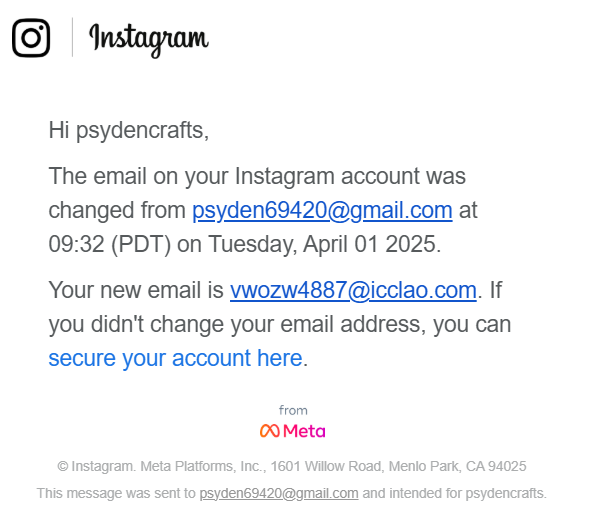
What I could have done is been active on my email address, and the changes could have been reverted if I had clicked on the link the moment it appeared.
Investigating The Issue
As the username didn’t exist anymore, I couldn’t just search it by the username, so another way was to search it by the email address, which I did and guess what, it prompted… me to reset the password and I thought I had done it but the story took a turn when I realized It wasn’t my account the mail address was logging me into
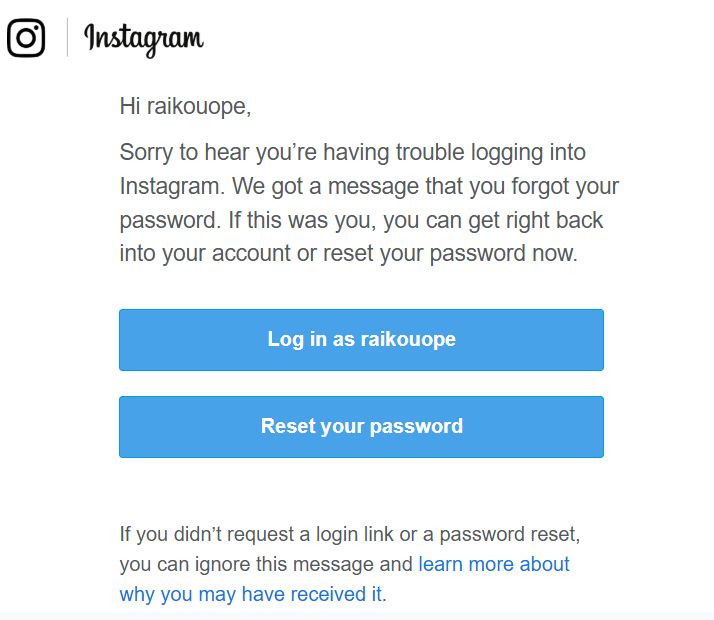
It was probably somebody else’s account of the person who hacked me or Insta created a new account, but the latter one seems highly unlikely as there was one person in the following list which is my friend’s account, and I remember I had followed his account from Psyden Crafts handle so this was most probably the account of the person who tried to log in but even if he did change the username, Did he remove the followers and post and why the only person he following was my friend?
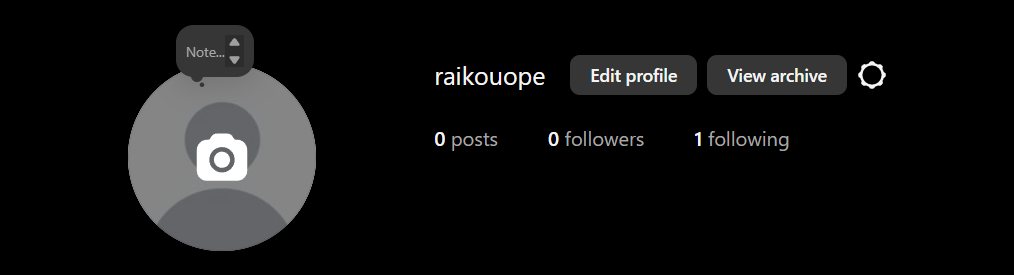
So the next task was to figure out whether this account was mine or a new one got created when I reset the password. I started by checking things that should have been there if it was my account—notifications and searches—but found nothing.
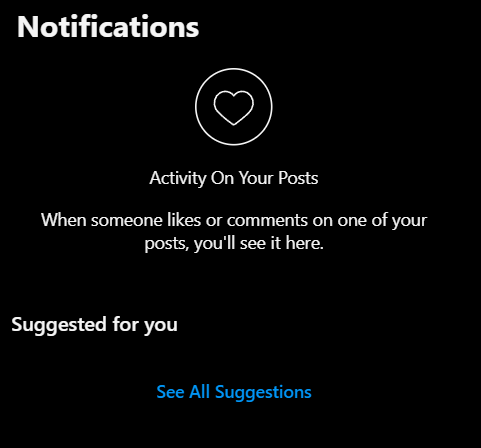
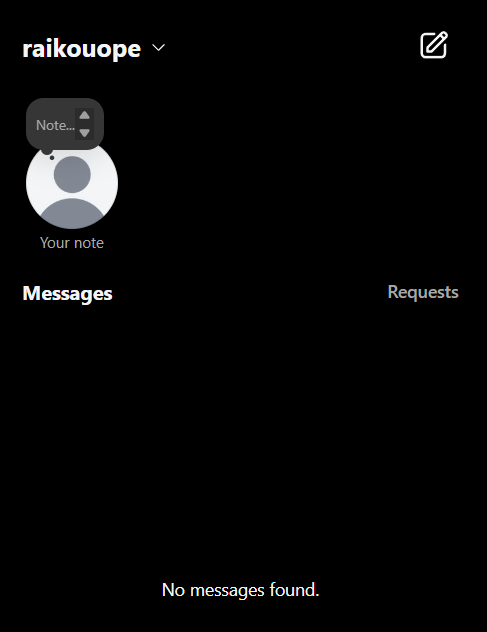
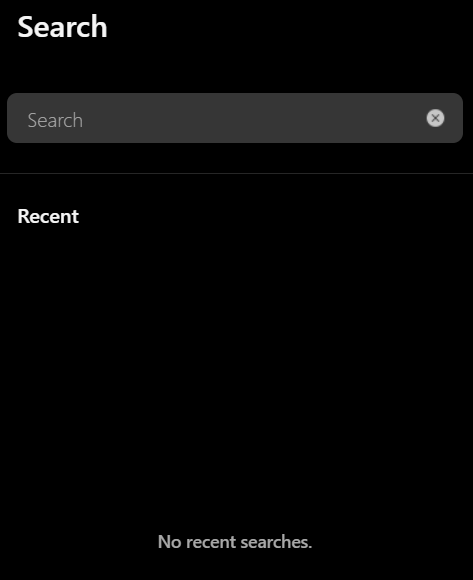
And I did the same with post, checked the kind of reels I was getting, explorer page, archives and none of it matches the algorithm of the profile I once had so the only thing which remained now was to check the contact details associated with the profile which you can check after going to your profile, tap the three horizontal lines, select “Settings and Privacy”, then “Accounts Center”, then “Personal Details”, and finally “Contact Info” and Guess what I found here
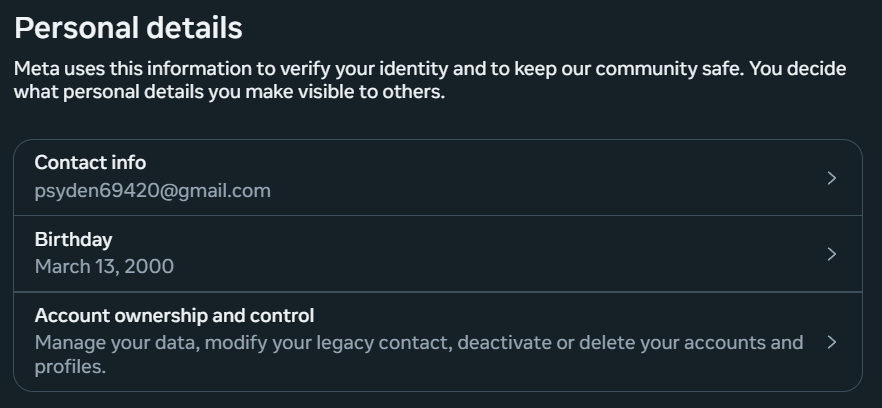
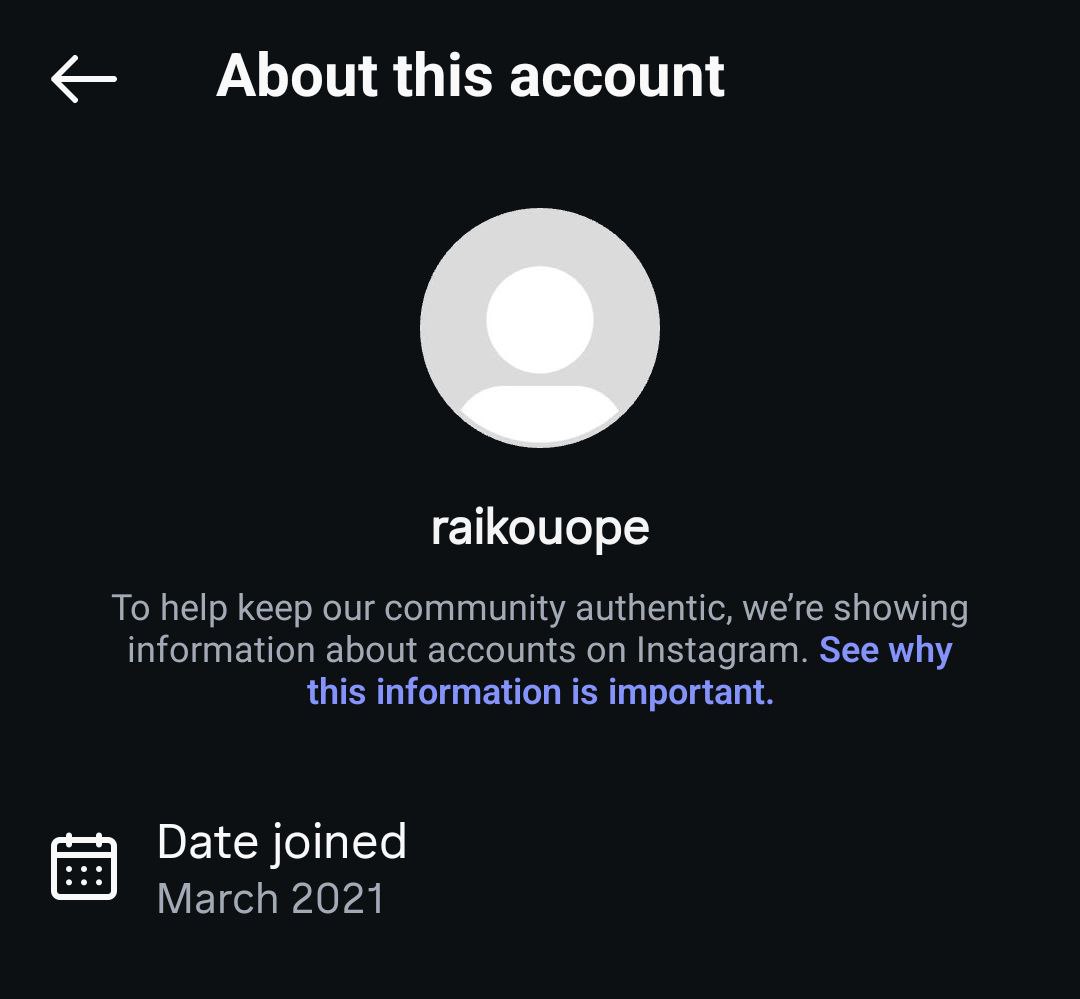
The contact email was, of course, the one I had used to log in to the profile, but it was the birthday that caught my attention—it was my own. So, this was my account. Then, I decided to check when the account was created. While I think there’s a way to find that through settings, the easiest method is to check from another profile by tapping the three dots (or the menu icon) in the top right corner and selecting “About This Account.” And here’s what sealed the deal for me, as you can see from the image.
Trying To Revert The Changes
It was now clear that the account in front of me was my own. But the username and everything else associated with it were gone. So, I began looking for ways to recover the OG account. Since the username wasn’t available, I had to try other methods—and the simplest, most straightforward one was going through the “Forgot Password” route.
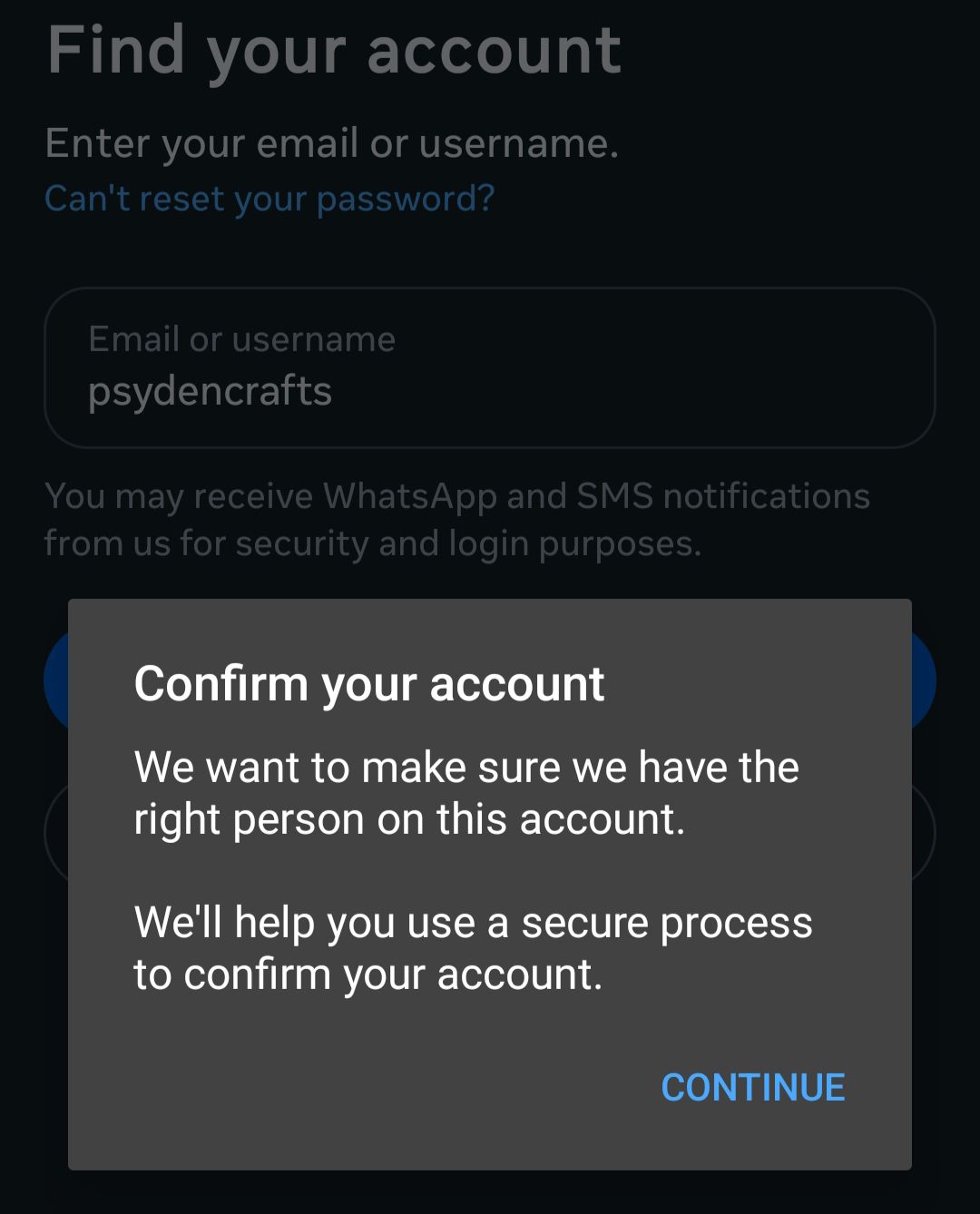
This made me realize that Instagram still recognized the original account. After clicking Continue, I was greeted with:
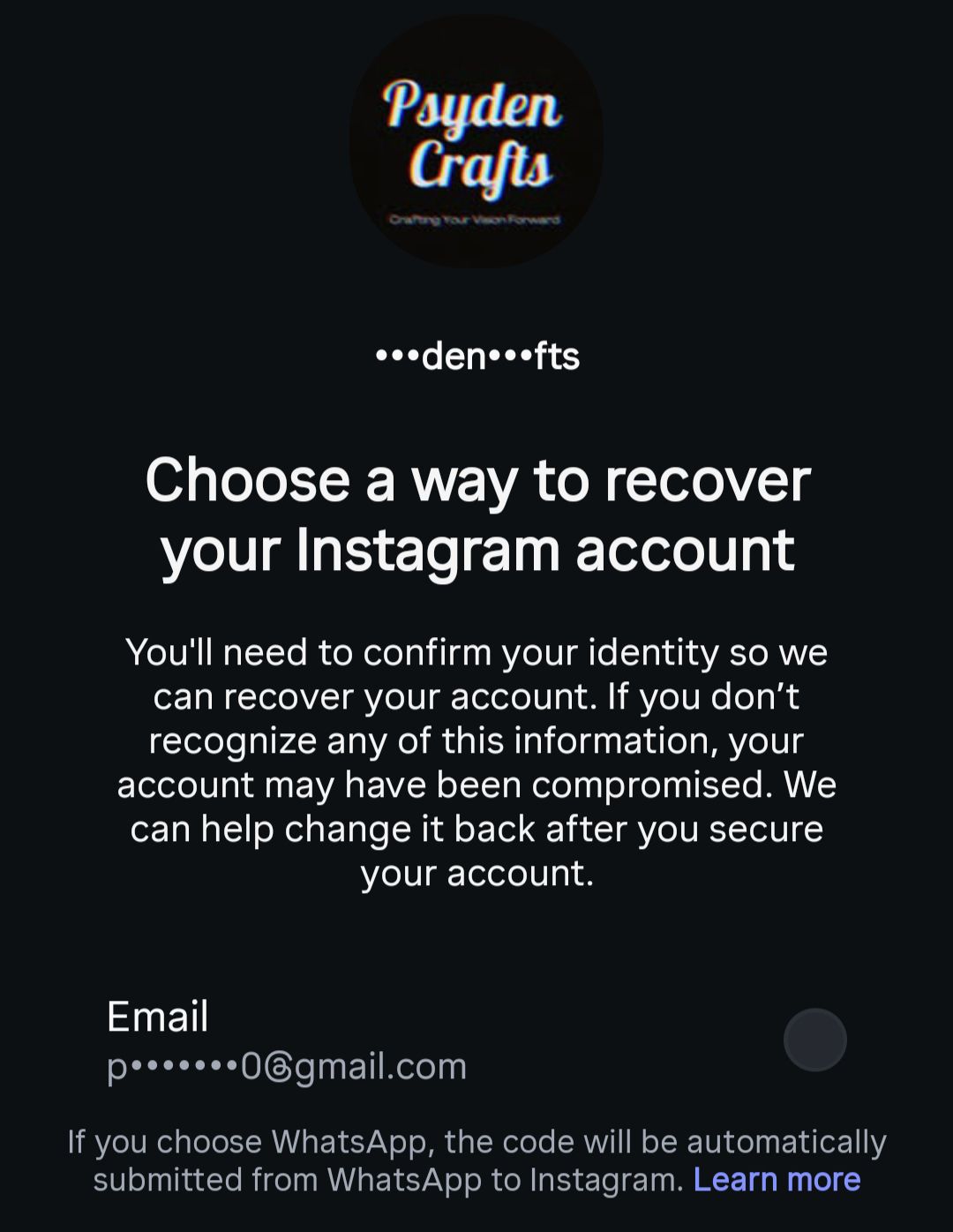
So, Instagram did know the original account still existed. Thankfully, the email registered to it was still mine. I selected it and received a code in my inbox. I thought, Finally, I’ve recovered the account! But the Insta gods had other plans.
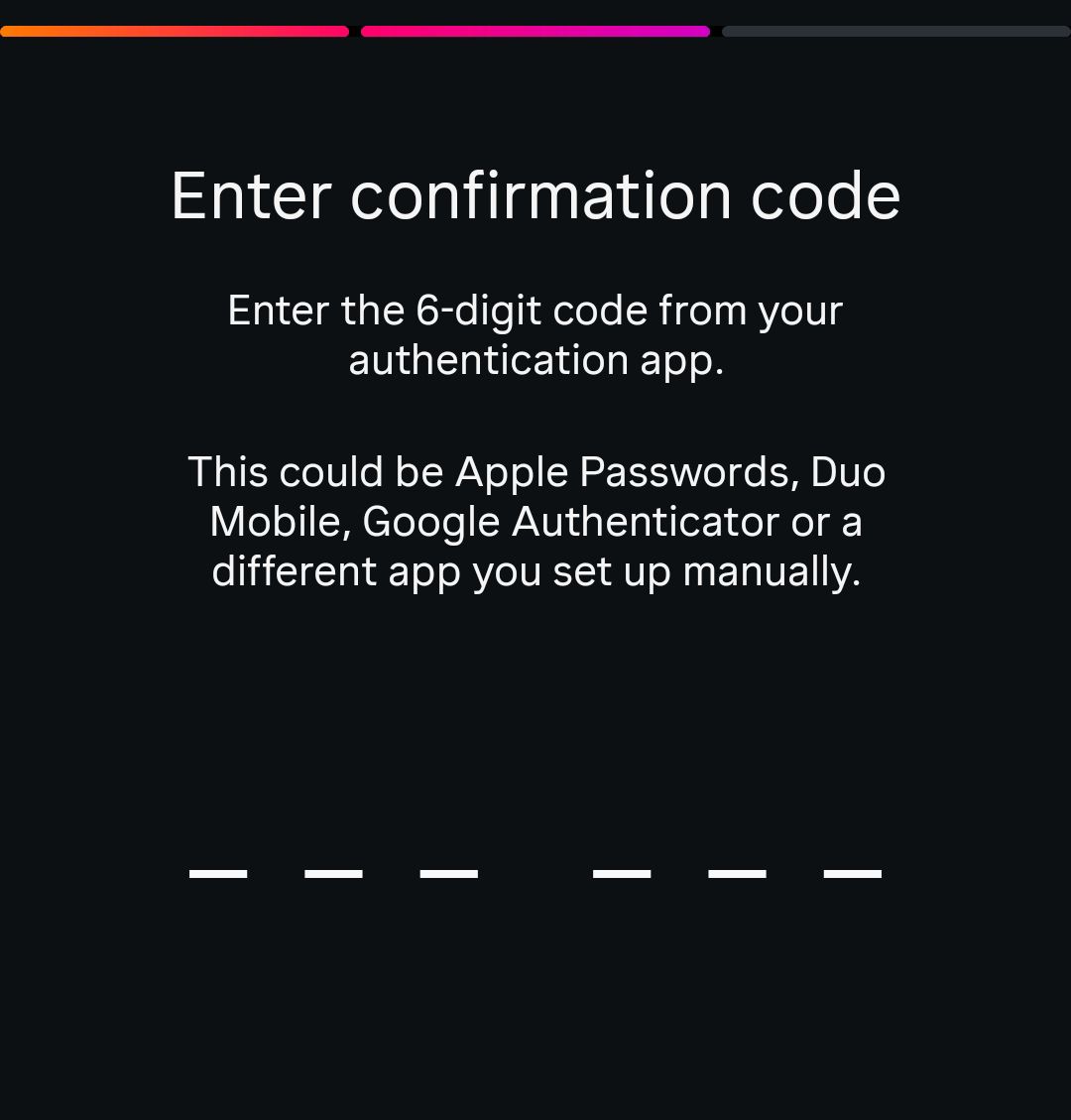
Now I’m gonna have to accept that it was my fault for never setting up the Authentication app or taking screenshots of backup codes (I had 2 of those in my phone, but they are of a different account so that was sad) and after this I though the game was over, the reason why I’m saying this is because unless you have a Meta Verified account, you can’t reach Instagram or say Meta support and If you put this online or cry on twitter, you get this
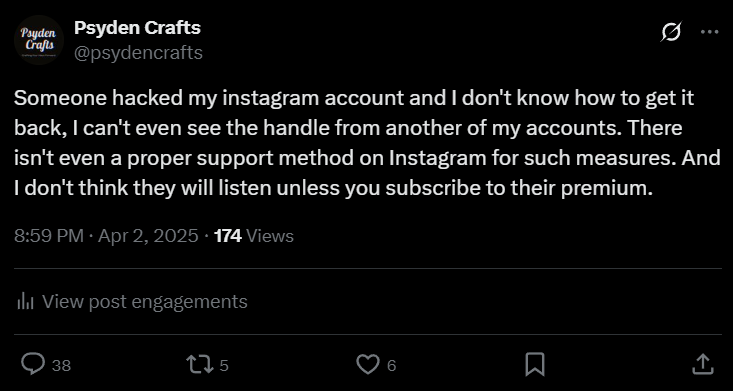
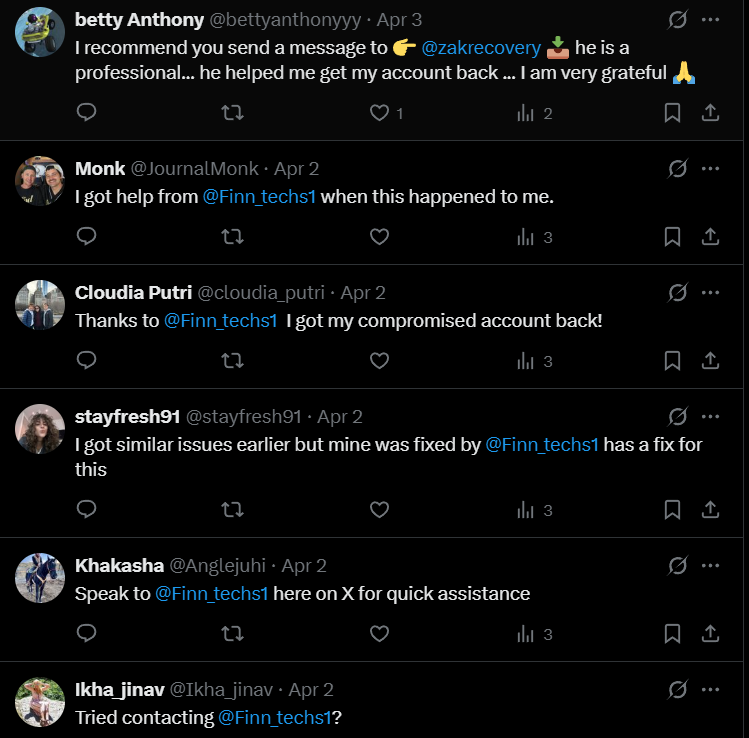
Got no responses from Meta or Insta but got several comments like these; one day, I might just go into this rabbit hole and see what these guys can do, or are they just another hacker who pays dimes to these people so they can reply a pre-formatted text whenever keywords like Instagram or hacked are mentioned, It’s probably the latter but I’d like to see for myself.
What Now ?
If you don’t have authentication or backup codes, Instagram redirects you to the Help Center on repeat—or prompts you for a video selfie. Since this account wasn’t linked to my brand and didn’t have any pictures or videos of me that Instagram could cross-check, the chances were slim. But since this was the only option left, I went for it anyway. It takes around 3–4 days for Instagram to get back via email. So at the time of writing, my fingers are crossed.
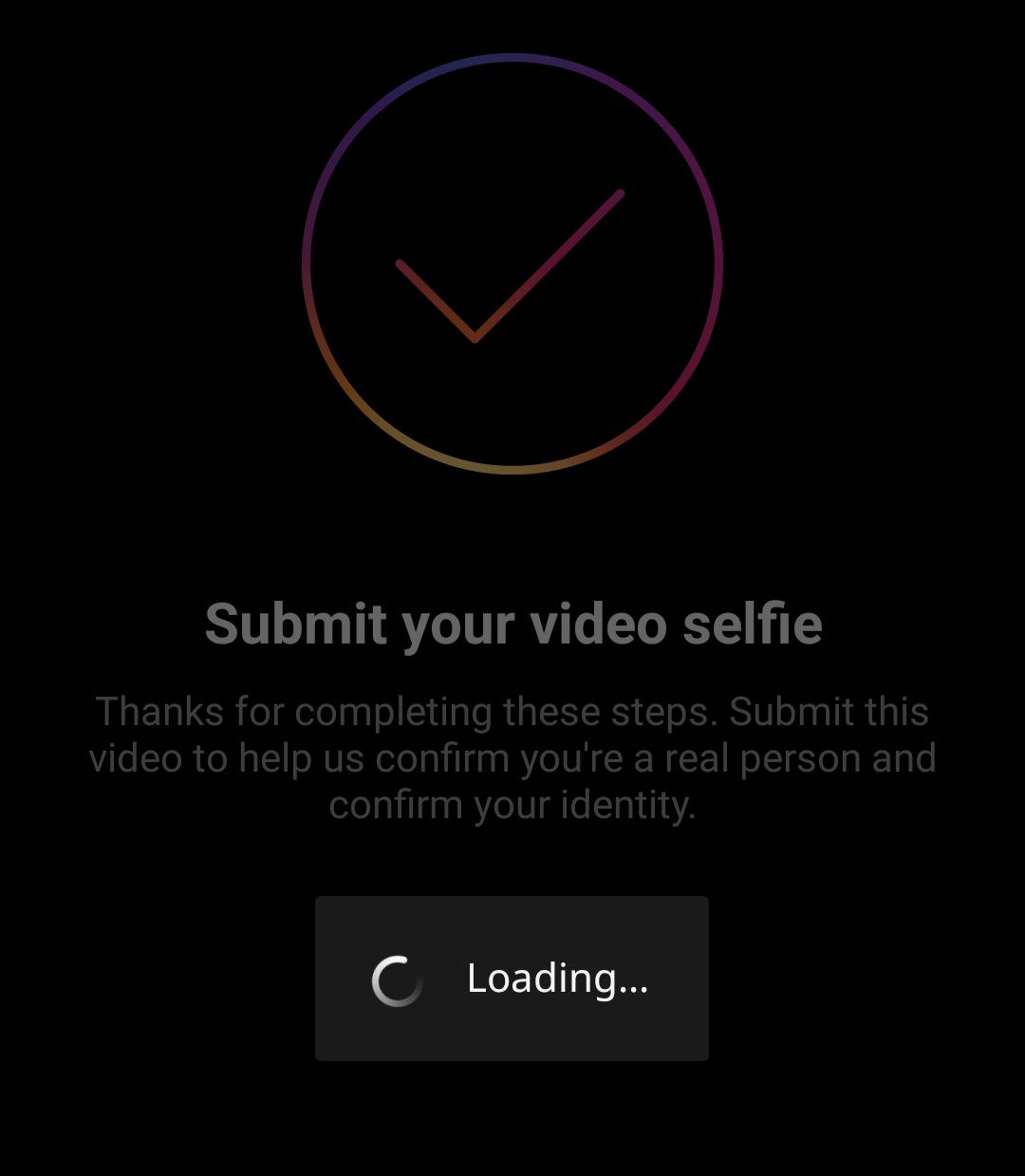
There isn’t a great chance of recovering the account. But hey, who knows? If it comes back, great. If not, that’s okay too—this blog will still have a part 2. Either it’ll be about securing your accounts, creating a new Instagram handle, or maybe something completely different. Whatever the case, this blog needs a conclusion.
See you guys in the next one.

[…] different when I pinned down the final line in my last blog where I talked about the time when My Instagram Got Hacked and It is my displeasure to announce that the account has been brought back but not in my […]