
Psyden Crafts Has A New Home
Psyden crafts has a new home and It’s better, cleaner and more sleeker than ever before. What used to look a little rusty now looks a little jolly and yes I’m talking about our new website which is live and indexed. Our old website was made upon wordpress.com and I selected a theme and stayed with it till I couldn’t live by the limitation anymore and had to build everything from scratch. I did use elementor and wordpress in my day to day life in office so I was pretty well versed with the backend part but once you start building something from absolutely nothing, it comes with more challenges than you can think of but thank god for YT and AI, you can learn everything you wanna learn and so I give You psydencrafts.com
How Psydencrafts.com Came To Be ?
Honestly this is one of those questions which use to change every 3 to 5 years a couple of decade back but now it changes almost every year due to emergence of AI agents which can make website for you on the mere input of some prompts. If you are anything like me and the YT algorithm know you are in this field, you might have seen those wordpress or hostinger ads where they adversite you chatting with an AI agent and it pops up a website.
Each one of them works and at the end, it doesn’t matter how you are making the website, If it’s UI is good and the site is mobile friendly along with good content, you are good to go. What makes the difference is actually what kind of vision for your website and nothing else, also this is something and I’d myself learn and then extensively cover on web development section. For now let’s keep the discussion around Psyden Crafts and how I made the migration and what comes forward for the website.
How I migrated from wordpress.com to .com ?
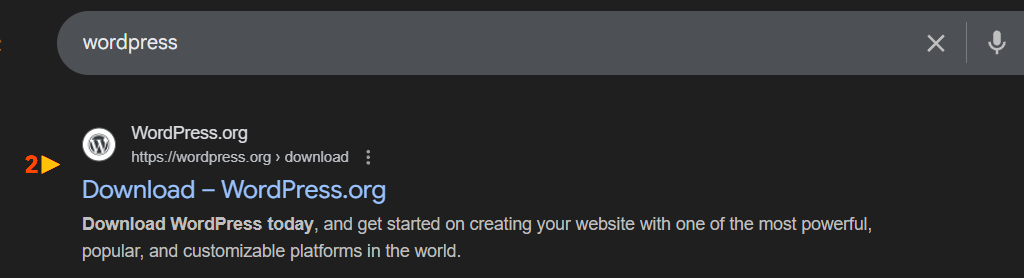
When you frst search for wordpress like I did, you’ll be greeted with the following options(as of Jan 2026)

Now this is wordpress which I used and you can to to create any website but after setting up all the themes, you will see a wordpress.com in your domain which is a typical pratice followed by such websites to get the free publicity in exchange for a limited amount of hosting and both the parties win. But because you want something more than the typical blog site and want to expand upon your collection or features, what you should do is scroll down a little bit and find what is called the wordpress.org which is a software and can be used to create a website like mine.
This is something you should do in the very start of your website building process or else follow the next step which of course will cost you money if you are using the free plan.

Either click on the Upgrade icon or hover over the hosting part and click on the domains section, I suggest the former and then click on the top right section. After this enter the domain name and you’ll be greeted with two options and no matter which you choose, you would have to buy up a plan which you can select according to your budget.

The following are according to INR and the special offer is always going on. You can select according to your perference and then make the payment.

Now what I advise is only do this if you have build something which you can’t replicate again, then only do this. There is a reason why wordpress.com appears over wordpress.org and that is because making a site using wordpress.org is a little bit tricky but that’s exactly how you should make one.
How I Made Psydencrafts.com ?
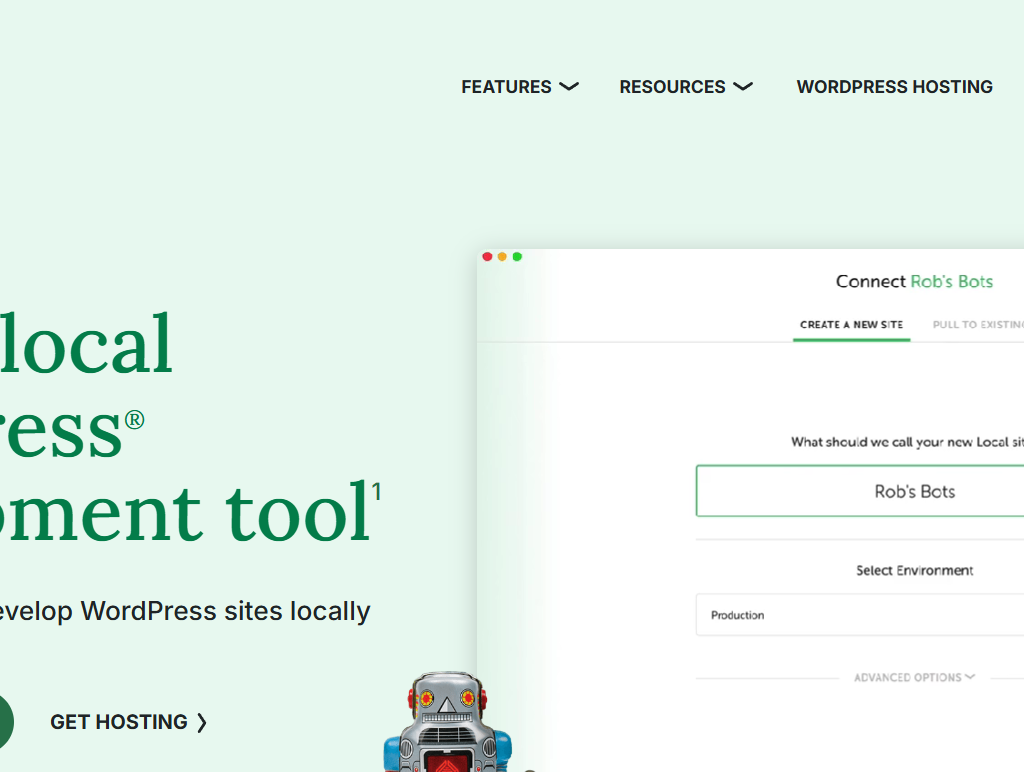
Without going into more details because that’s not the main point of this blog, I used localwp which is a software which you can download on your platform and the concept is pretty simple which is that you install localwp and then install wordpress in your local system and then make a website on your own system. What I did was kept the same structure but had more of a free hand with theme selection and plugin as all them were now usable. I also kept the content for the same for the respective webpages and I’ll come back to this in next step.
Localwp comes with some limitations but the amount of free hand you get is exponentially more than the wordpress.com. This deserve a separate blog on it’s own I think as there a lot of moving parts here. Although the core concept is just making the website like you anyway would on wordpress and then making it live. Maybe I’ll cover How to make a website using localwp later in a separate blog.
How I handled SEO ?
With the emergence of AI tools and Google AI Overview, you can’t help but be mentioned on these engines even when you aren’t alinging your content for such and that’s what happened for Psyden Crafts as the wordpress site was online for such a long time that google took it as a canonical background and hence I did what I was supposed to do anyway which includes a lot of purging of older content and changing the links where it wasn’t possible.
See Google knows what you are by figuring out your website content, your about section on social handles and what kind of things you are associating yourself with and the more you keep it same everywhere where YOU are present, you can give the search engines and LLM an idea of what you do and I did the same for Pysden Crafts, the only problem was I had a wordpress.com website and all the blogs I had were shared on social platforms.

Now Either I could go and replace all those links with my new website blog links or just purge them making a lot of 404 content on my earlier social shares. I tackled each one of them as follows
Purging older webpages
Like I said previously, every webpage content was same and Google doesn’t have a problem with that until you have mentioned explicitly in your code that only of them is canonical which means canon if you are into anime or such stuff. Because I only had shared blogs on my social platform, I had no problem doing this and after I deleted those files, I removed them from GSC Removal feaure so they also don’t show upon SERP.
Changing the Hyperlinks
Because all the content was just copied from older website, I had to manually change all the hyperlinks on those webpages so they inter linked only to the new website. I not only have to do this in webpages but also for the blogs because they were also imported from old ones so now I had to change the blogs on the previous website so they hyperlink to new website and then repeat the process for this website blog too. If you are thinking why keep 2 version and not just purge the new website blogs, it’s to maintain continuity and although the canonical version according to Google is new website, I kept the old one standing as there links are still attached to mulitple un-editable places.
What Google Think About This ?
Let’s just ask them

What About Deleting older website ?
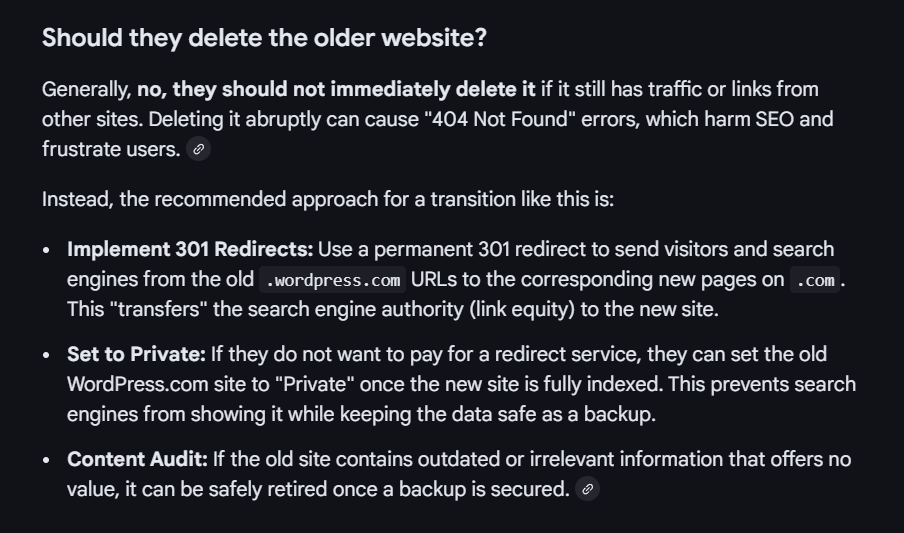
Which website will show up on google ?
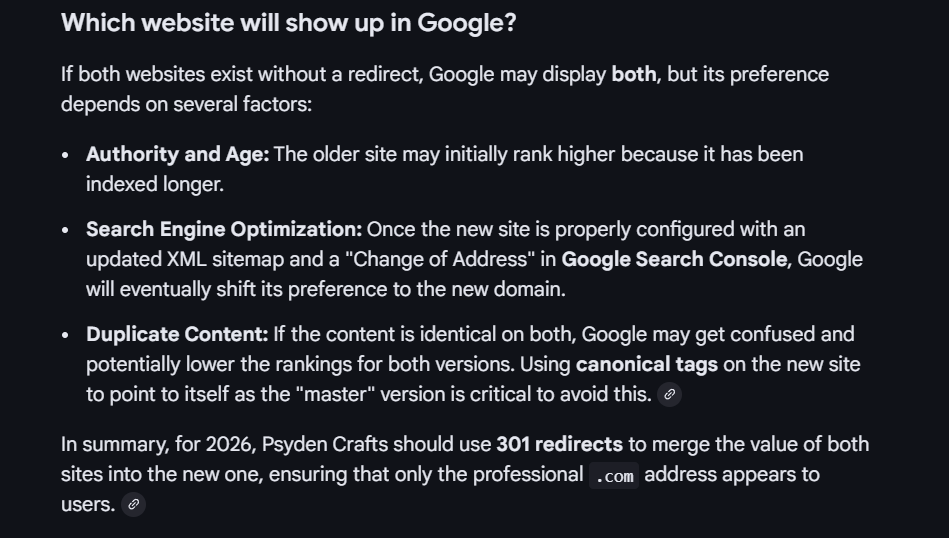
What if I can’t afford a 301 Redirect ?
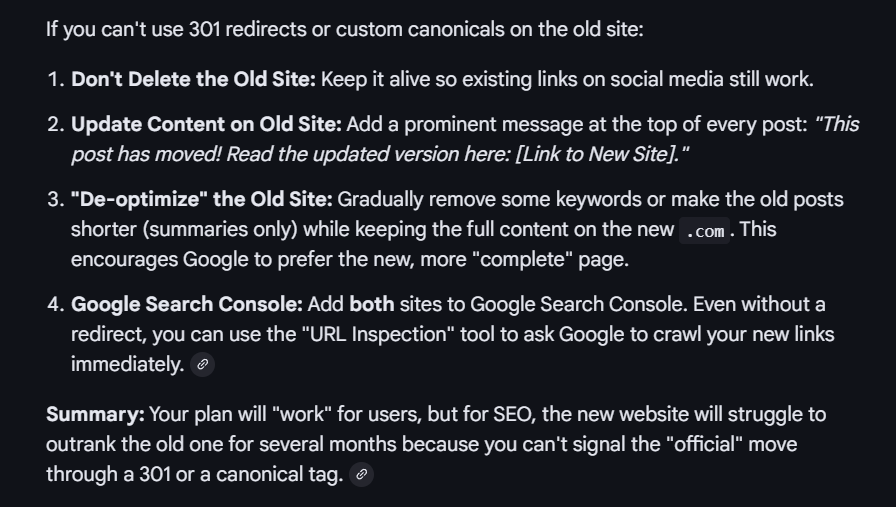
And that’s what I’m doing.
What Next For Psyden Crafts ?
Well I didn’t paid for hosting and domain to keep the website anyway other than Page 1 and how I’ll do that is what the next journey will be about. But there has to be something more and there is i.e making new tools or even softwares on a smaller scale of course to help the marketers like me, If I feel the need thay such thing should exist and if it already does, it can exist in a better way, I’ll make it. Like I always felt the need of AI prompts for my SEO tasks and I created one so I just thought why not make it available for anyone. I’ve added all the submission you might need for off-page seo. I’ll continue making such stuff and refining the one I’ve already made. Thanks for reading till here and I’ll see you guys in the next one.