About Section Generator Prompt
Writing an “About” section that clearly explains your business across platforms can be difficult.
This prompt helps you generate platform-specific About sections using tools like ChatGPT based on your website or business details.
This prompt helps you:
- Analyze your website (if URL is provided)
- Generate multiple About/Bio variations
- Adapt content for different platforms
- Maintain platform-specific tone and structure
- Follow character limits automatically
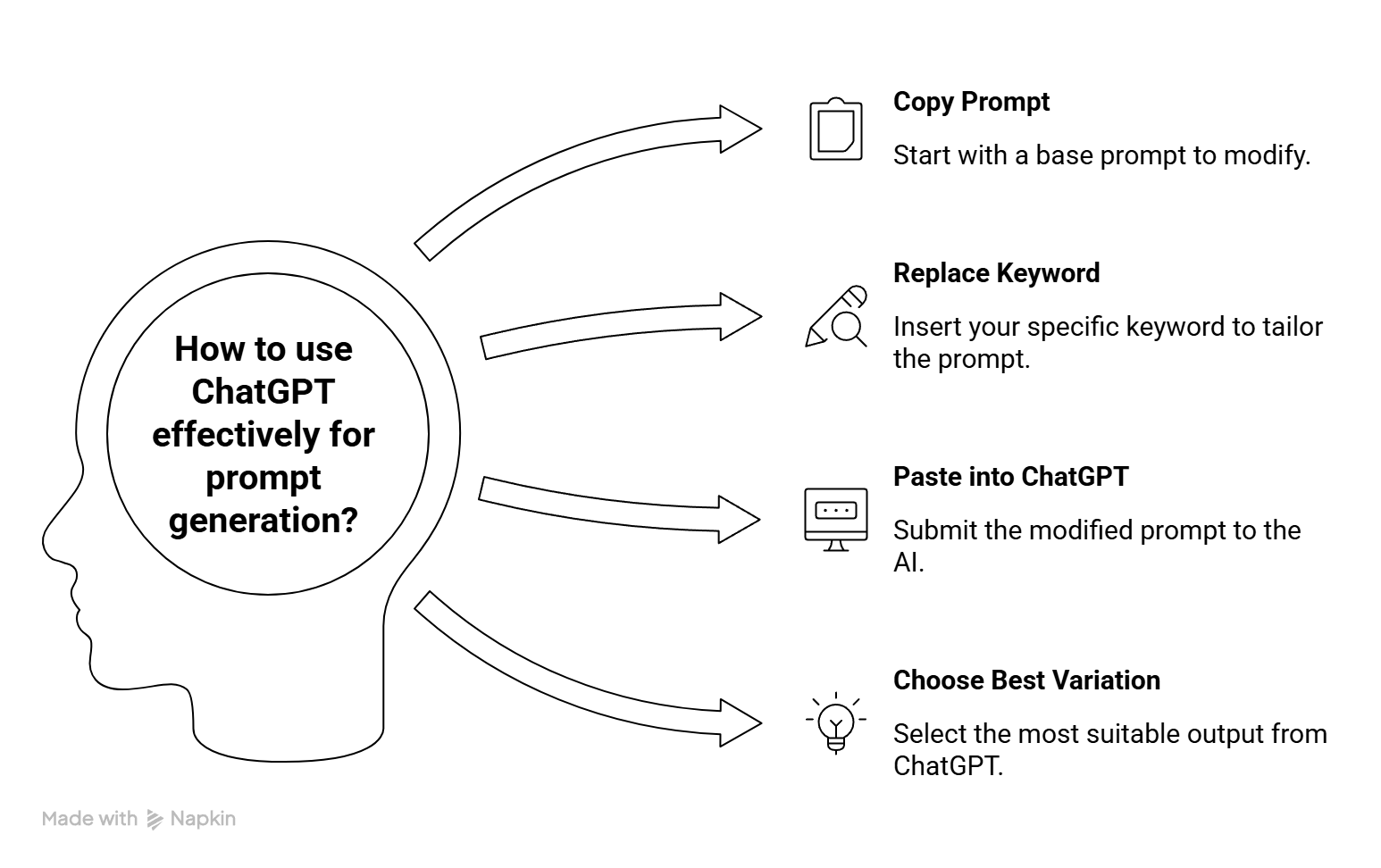
About Section Prompt (Copy & Use)
Act as a brand strategist and copywriter.

Step 1: Ask the user for:
- Website URL (preferred)
- If URL is not available or cannot be accessed, ask the user to:
  1) Paste homepage content, OR
  2) Describe their business, services/products, and target audience

Step 2: Based on the input, understand:
- What the business does
- Core offerings (services/products)
- Target audience
- Unique value proposition

Step 3: Ask the user which platforms they want About/Bio content for:
- Website About Section
- Instagram Bio
- Facebook Bio
- Twitter/X Bio
- LinkedIn About
- Any other platform

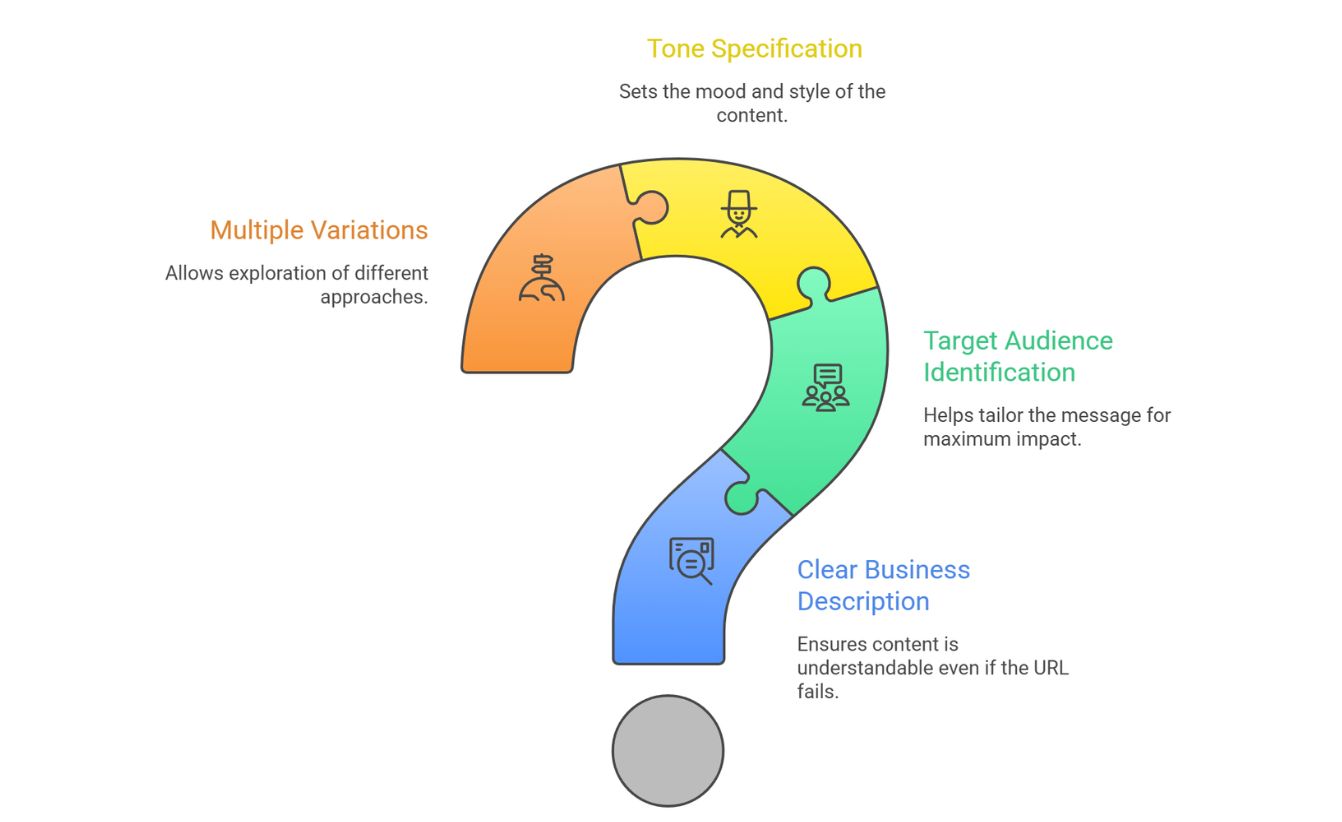
Step 4: Generate multiple variations (2–3) for each selected platform.

Requirements:
- Keep tone aligned with the brand (professional, casual, etc.)
- Keep content clear, concise, and benefit-driven
- Highlight services/products naturally
- Avoid fluff and generic statements

Step 5: Maintain character limits for each platform:
- Instagram Bio: ~150 characters
- Twitter/X Bio: ~160 characters
- Facebook Bio: short & clear
- LinkedIn About: detailed (no strict limit)
- Website About: structured and slightly longer

Check latest character limits online before finalizing.

Step 6: Format output clearly by platform and variation.
👇Click to copy and use instantly
How to Use This Prompt ?

Tips For Better Meta Tags